How to change the watch strap
Video coming up!
Want to swap your watch strap to play around with different styles?
It's quick and easy!
Follow our video step-by-step to learn how to safely take off your watch strap and fit a new one on.
REF: 8400580, 8948817, 8937270, 8937271, 8941337
2025
Wear the Fit 100 watch for all your sports activities to accurately monitor your heart rate, performance and GPS position.
Here is all the info you may need to use your watch, take care of it, and get the most out of it.
- Unboxing the watch
- Plugging the watch using the USB-C cable supplied to switch it on
- Why this mode? : battery protection during transport
- Link to the app (iOS/Android)
- Connection mandatory: the watch won't work without the app
Detailed steps to connect your watch to your smartphone
- Make sure the phone is charged and connected to the internet (4G or wifi)
- Check Bluetooth is on
- Enable the app to access the required settings
For the GPS to work:sync the watch with the app to get the mapping
Our step counter algorithm is based on wrist movement.That means its accuracy may vary depending on your daily activity.
You can also check the differences with other step counters (phones or products made by other brands) as each manufacturer selects their own monitoring algorithm in the attempt to come as close to the reality as possible. However, sudden everyday movements might affect accuracy by over- or under-estimating it.
- the counter only starts once you've done a minimum of 10 steps.This is so as to discount little everyday movements that may parasite the counter, and only count the movements linked to steps..
- Having your hand in your pocket, holding a bag, or having your hand on a push-chair or a shopping trolley affects the counter substantially.So, avoid this kind of situation as much as you can in order to obtain reliable information.
- information about gender, age, height and weight contribute to the calculation of steps, distance and calories.It is therefore important to enter the correct information.
- The manner in which you wear your watch may influence its accuracy, as precision levels change if the product moves around on your wrist.Ideally, wear the product as tight as possible on your wrist. .
- Accuracy may also be affected by other factors related to your environment: climbs, descents, the type of surface you're walking on, car vibrations, etc.All this may generate fictional steps or, conversely, result in an under-estimation.
For sleep monitoring, just like for the step counter, it's important to wear the product tightly on your wrist in order to obtain a good measurement. The watch only detects sleep after you've been sleeping for 3 hours.
14 preset sports, +50 available on the app:
Treadmill
Outdoor running
Indoor walking
Outdoor walking
Hiking
Outdoor cycling
Indoor cycling
Fitness training
Rowing
Bodybuilding
Yoga
Pilates
Elliptical trainer
Swimming
20 sports max on the watch
- Add/delete sports via the app
Watch that turns into an HRM band
- Each sport has a display of different data depending on the discipline, e.g. pace in running and speed in cycling
- You can programme alarms and set goals for each of the sports:goal - duration - calories - distance (gps)
- Smart competitor:set a target pace, to tell you if you're running behind time or ahead of time
- Interval training: stopwatch to control workout duration - exercise duration - number of repetitions - rest time.
GPS signal reception depends on the environment and can take a lot of time.However, we've developed a function that helps optimise this signal reception time.
This function enables the GPS signal to be captured faster (less than 30s) during outdoor exercise.It works by way of a satellite positioning file.
These data are automatically downloaded on your watch, so you can check the file's validity on the watch itself:"System" -> "Other settings." -> "Satellite system" -> "GPS by satellite Position Detail"
To capture the signal faster, it is advisable to stand in as exposed a place as possible (not indoors) and to stop moving (the signal is very hard to capture the signal when on the move).
The algorithm on this device uses two calculation methods:
- a step frequency of over 110 steps/min or a heart rate period at over 64 % of maximal heart rate .
The calculation method is type 2+N:time accumulation starts after the condition has been met for over two minutes in a row.
Measurement unit for exercise duration:minutes.
We've conducted tests on the latest optical technologies to offer you the most reliable technology.
However, heart rate monitoring may be impaired by certain factors, such as how the watch is positioned on the wrist, as well as other criteria such as:cold, hairiness, skin colour and tattoos.
Your watch should be correctly placed, above the wrist-bone, while remaining comfortable to wear.If the watch is too loose around your wrist, then it won't be able to measure the signal properly.
Every 10 min, the watch records the data for the stress algorithm.
* This watch is not a medical device.
Daily goals can be set on the app itself
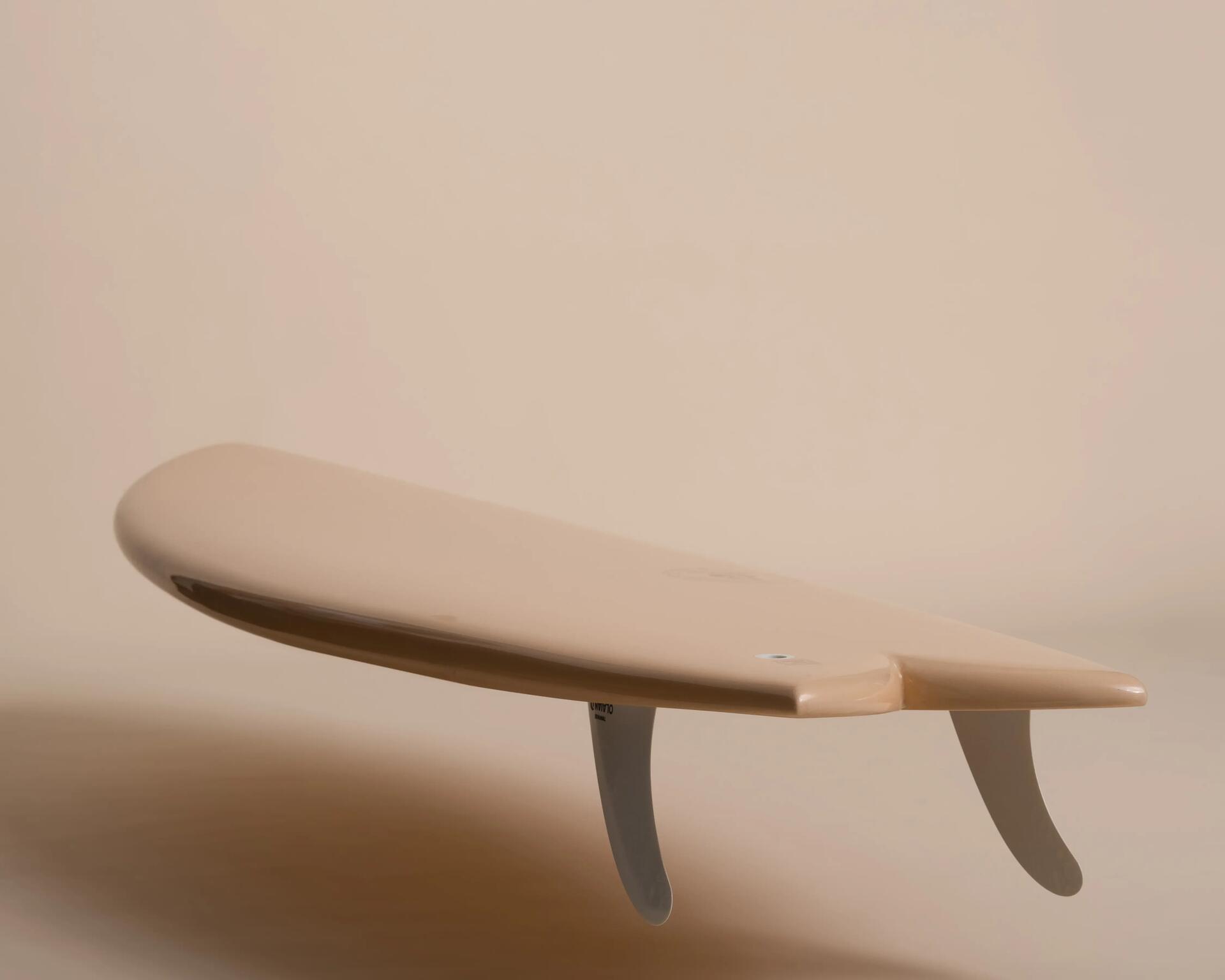
Charging cable
USB-C cable
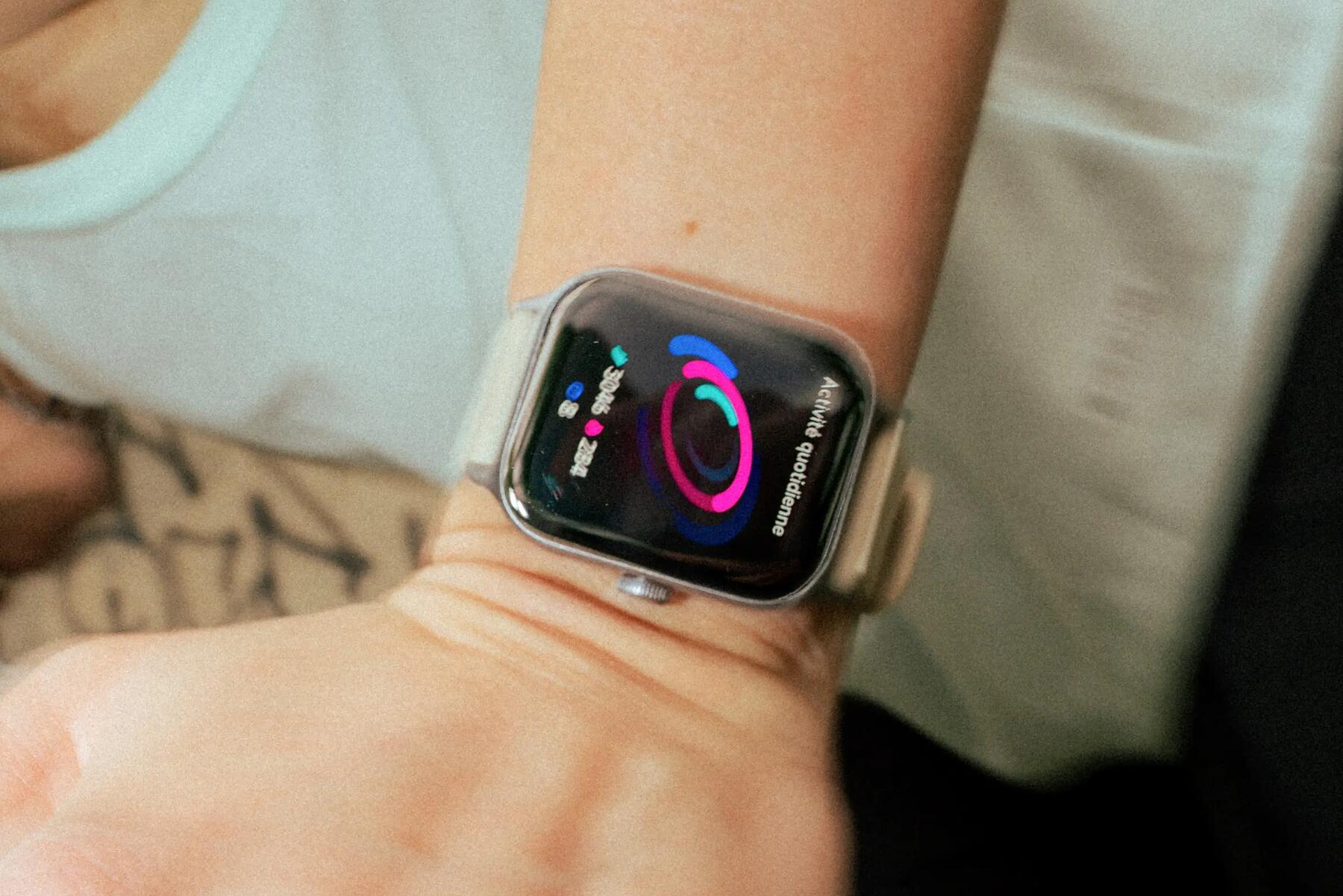
Interchangeable watch straps
Available in a variety of colours:
Want to swap your watch strap to play around with different styles?
It's quick and easy!
Follow our video step-by-step to learn how to safely take off your watch strap and fit a new one on.
Wash frequently (e.g.. in the shower) or with warm, soapy water.
Remember to take it off and leave it to dry after washing to avoid allergic reactions.
Is there a problem with your watch, or do you need to replace an accessory?
Here are the spare parts available:
- Charging cable
- Watch strap
This elements are available by the unit to make replacements and repairs easy for you, prolonging your product's lifespan.
Troubleshooting and resetting:
In case of problems with connection or with proper functioning, you may find the following actions helpful:
- Restart the watch (resetting the product from scratch)
- Disable the Bluetooth pairing with the phone
- Uninstall then reinstall the relevant app
Using the troubleshooting sheet in the section entitled "Troubleshooting” once your product has been checked by our teams, you can offer it up for sale again as a second-hand product, thus participating in putting your old products back into play.
For more info on the DECATHLON Second-hand service, click the tab below.
Need the user guide, click the download tab
Need the compliance declaration, click the download tab